University of Saskatchewan
CMPT 214
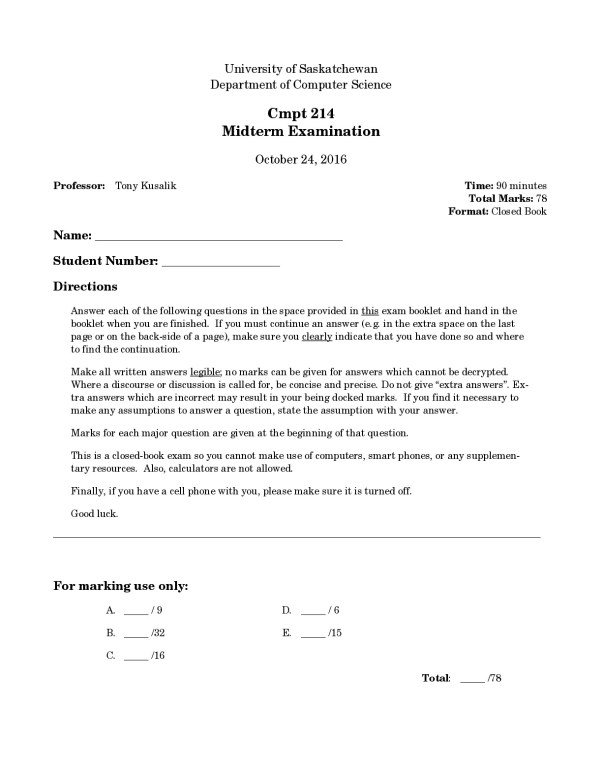
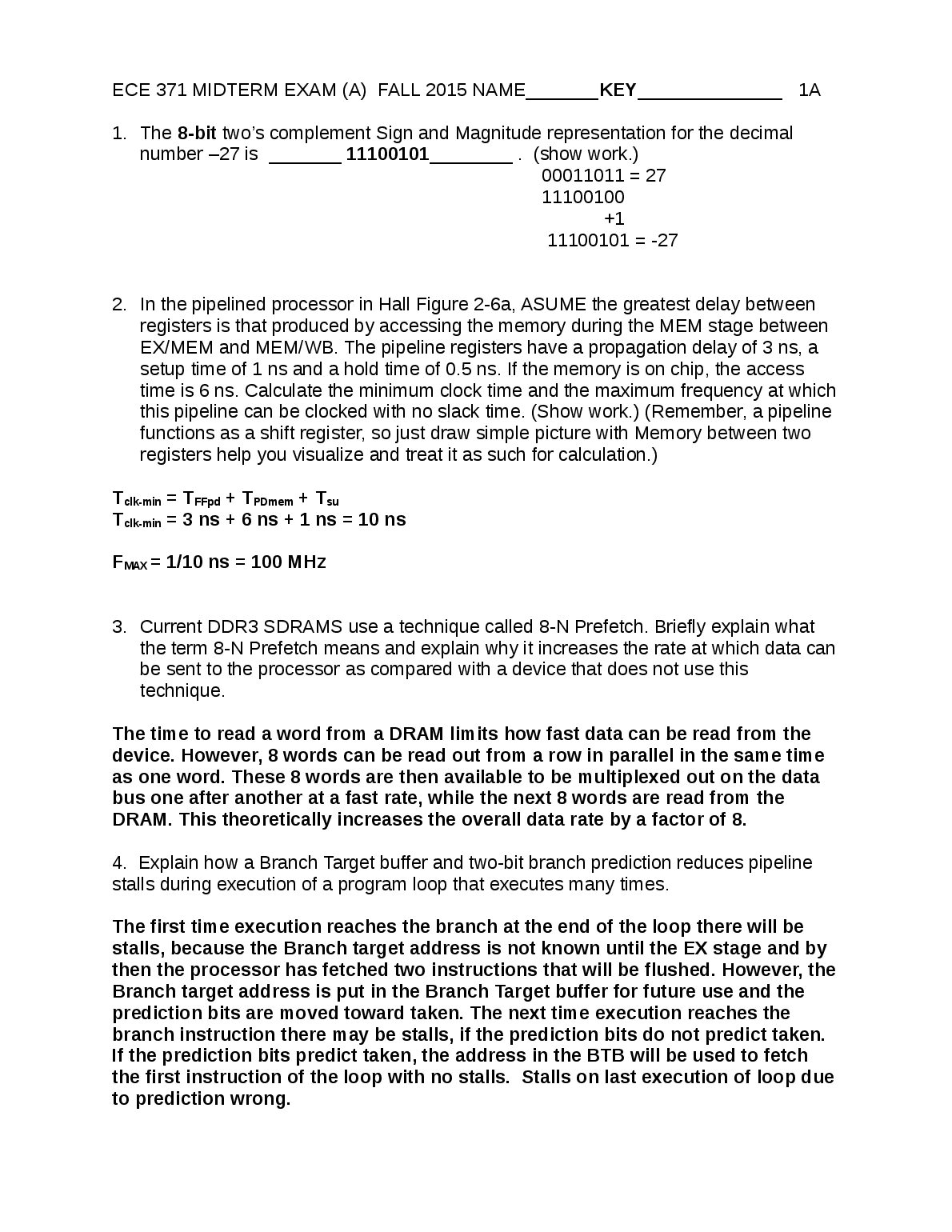
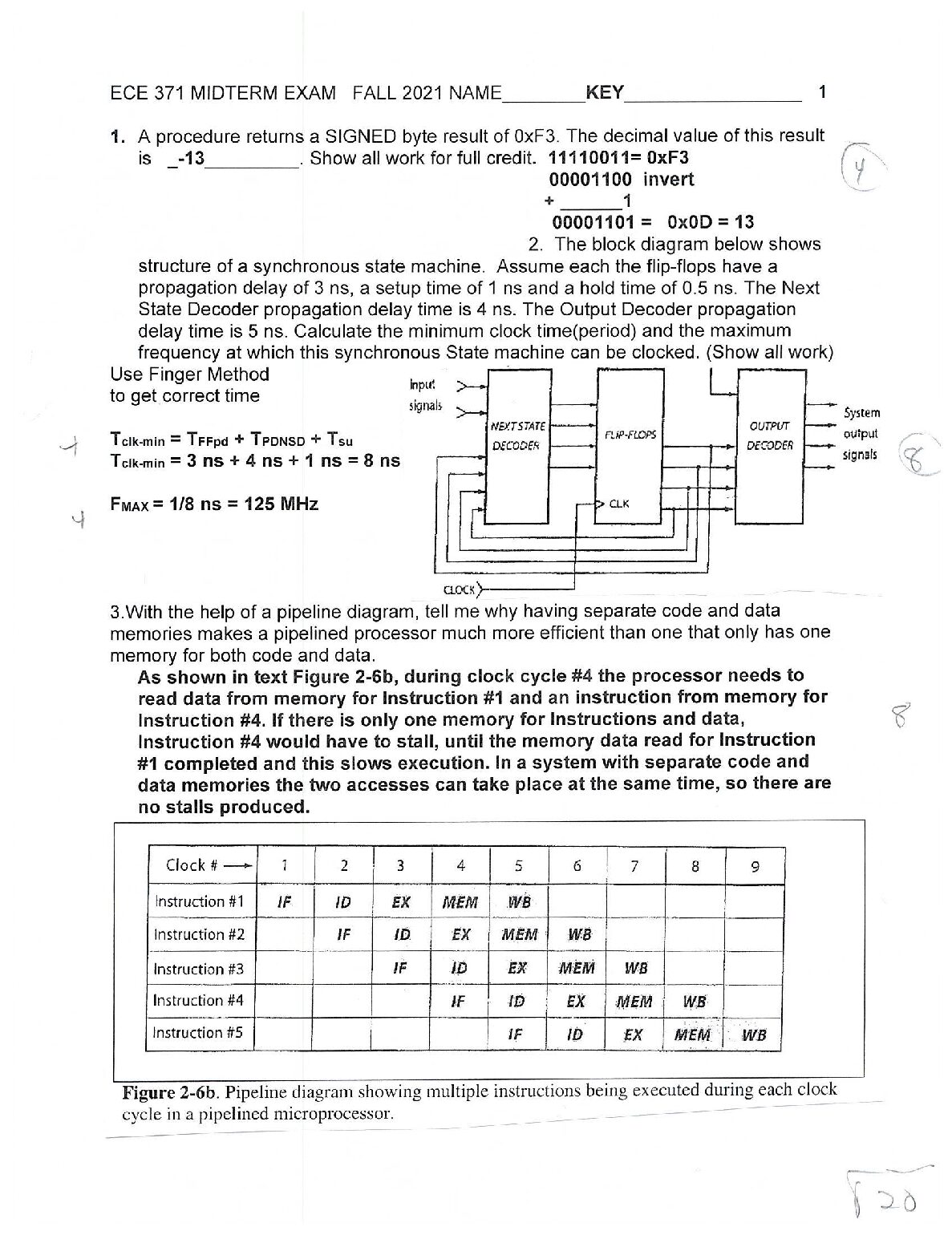
University of Saskatchewan Department of Computer Science Cmpt 214 Midterm Examination October 24, 2016 Professor: Tony Kusalik Time: 90 minutes Total Marks: 78 Format: Closed Book Name: __________________________________________ Student Number: ____________________ Directions Answer each of the following questions in the space
...[Show More]
University of Saskatchewan Department of Computer Science Cmpt 214 Midterm Examination October 24, 2016 Professor: Tony Kusalik Time: 90 minutes Total Marks: 78 Format: Closed Book Name: __________________________________________ Student Number: ____________________ Directions Answer each of the following questions in the space provided in this exam booklet and hand in the booklet when you are finished. If you must continue an answer (e.g. in the extra space on the last page or on the back-side of a page), make sure you clearly indicate that you have done so and where to find the continuation. Make all written answers legible; no marks can be given for answers which cannot be decrypted. Where a discourse or discussion is called for, be concise and precise. Do not give “extra answers”. Extra answers which are incorrect may result in your being docked marks. If you find it necessary to make any assumptions to answer a question, state the assumption with your answer. Marks for each major question are given at the beginning of that question. This is a closed-book exam so you cannot make use of computers, smart phones, or any supplementary resources. Also, calculators are not allowed. Finally, if you have a cell phone with you, please make sure it is turned off. Good luck. ––––––––––––––––––––––––––––––––––––––––––––––––––––––––––––––––––––––––––––––––––––––––– For marking use only: A. _____ / 9 D. _____ / 6 B. _____ /32 E. _____ /15 C. _____ /16 Total: _____ /78 A. (1 mark each, 9 marks total) Match the following UNIX commands with its appropriate description. Indicate the matches by a line drawn between the command on the left and the description on the right. Each command is to match one and only one description. Hence, some descriptions will not be used. command description exit ■ ■ show who is logged on and what they are doing ■ tell how long the system has been running vi ■ ■ list the differences between two files ■ compare two files byte by byte pwd ■ ■ a screen-oriented (visual) display editor ■ write formatted output uptime ■ ■ run jobs in the background ■ run a program with a lower priority bg ■ ■ remote login or remotely execute command ■ translate or delete characters ssh ■ ■ display information about active processes ■ cause the shell to terminate top ■ ■ change current working directory ■ display status of jobs in the current session diff ■ ■ output name of current w
[Show Less]